
IT Services
Student Resources
Student Resources
What we provide
The Law School will provide most of the specialized software you need to operate in the law school environment at no charge to you.
Questions?
For any additional inquiries about these softwares, contact the HelpDesk or visit us in JRCB room 459.
Printing
Students who choose to purchase Co-Op printing pages will be provided printing drivers. Information here.
Antivirus
If you are running Windows 10/11, you will have Windows Defender installed and activated on your computer.
Malwarebytes is an additional piece of antivirus software that will search your computer for affected files and delete all threats.
Software for Exams
Approved laptops have been pretested and certified to work with Examplify, a program used by students to take examinations. Only laptops that support Examplify may be used during examinations. Students who wish to use non-approved laptops to take exams must bear the responsibility to confirm that Examplify functions properly on their computers. All students may go to the HelpDesk for assistance with this task.
Word Processing (Provided by BYU)
The 1st year Legal Research and Writing Course uses the collaborative editing features of Microsoft Word versions 2010 and later. All writing assignments that will be critiqued in your 1st year writing class need to be in a MS Word format. Failure to acquire a word processor that can recognize Word’s reviewing features (Track Changes and Comments) would prevent a student from receiving valuable feedback. BYU provides four free years of Microsoft Office 365 through you BYU email account. Information here.
BriefCatch
BriefCatch is a legal editing tool that is an add-on to Microsoft Word. For access please reach out to Prof. Gerdy Kyle.
- You can find the BriefCatch page here.
Software and Services For Law Students
The Law School and BYU each provides software and services for current students.
| Software | License Expires |
|---|---|
| Microsoft Office | 30 days after graduation |
| Wireless Access – Eduroam | 30 days after graduation |
| Zoom (BYU) | 30 days after graduation |
| Box | 30 days after graduation |
| Gmail law.byu.edu | 1st of May, 1 year after graduation* |
| Google Drive law.byu.edu | 1st of May, 1 year after graduation* |
| HeinOnline | |
| Examplify |
Other Services Provided to Law Students
| Service | Ends |
|---|---|
| Law Library Carrels | 3rd of May after graduation |
| Law Library Carrels Summer | 17th of August after graduation |
| After-Hours Building access | 17th of August after graduation |
| Off-Campus Electronic Resource Access | 17th of August after graduation |
*Graduates who need assistance transferring email messages or Google Drive materials from a law.byu.edu Google account to a personal account can click here for instructions. If you require additional help, contact the Law School IT HelpDesk at +1 (801) 422-3884 or [email protected].
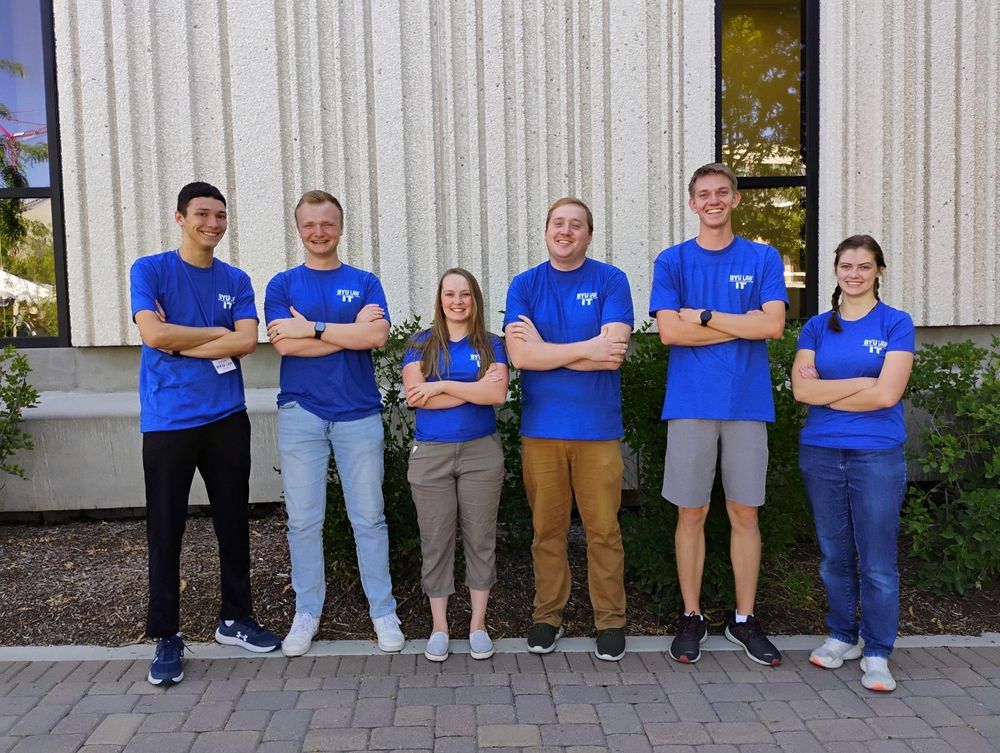
IT Services
Get Support
Get IT assistance by submitting a support ticket directly to the HelpDesk Team or visiting our office.
Office Hours:
Monday - Thursday: 8 AM - 6 PM, Friday: 8 AM - 5 PM
Location: 459 JRCB
IT Services
This site is protected by reCAPTCHA and the Google Privacy Policy and Terms of Service apply.